
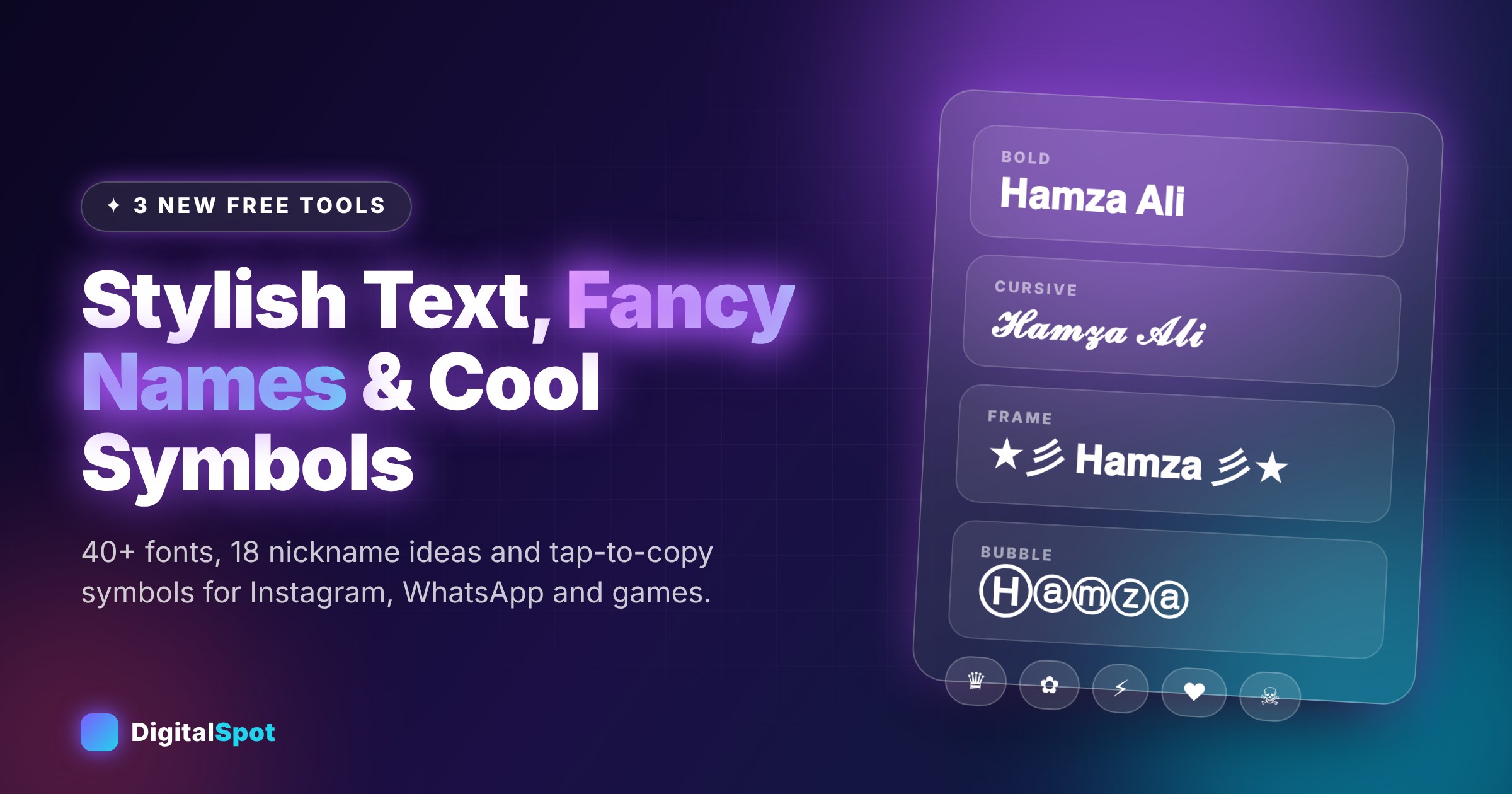
Stylish Text Generator, Fancy Name Generator & Cool Symbols: 3 New Free Tools to Make Your Name Stand Out
A name is the first thing people read on your Instagram profile, your WhatsApp status, your gaming lobby or your YouTube channel. Plain text does the job, but a little style makes it easier to remember. This week we added three small, fast and completely free tools to DigitalSpot that help with exactly that: the Stylish Text Generator, the Fancy Name Generator and Cool Symbols & Emoji Copy Paste.
All three run inside your browser. You do not need an account, nothing you type is uploaded, and there is no app to install. Below is what each tool does, how to get good results and the small limits you should know about.
First, how can "fonts" work where fonts are not allowed?
Most apps (Instagram, WhatsApp, TikTok, Facebook, Discord) let you choose text, but not a typeface. The trick behind stylish text is that Unicode, the standard that lets your phone show every language, also contains mathematical and decorative alphabets. The letter 𝐀 is a different character from A, yet it looks like a bold A. Because they are real characters rather than a font, you can copy and paste them almost anywhere that accepts text.
This also explains the limits. A few apps or older phones do not have a glyph for every character, so you might see an empty box for some styles. If that happens, simply choose another style. It is a display limitation, not a mistake in your text.
Tool 1: Stylish Text Generator
Type once and see your text in more than 40 styles at the same time, grouped into tabs so you do not have to scroll through everything:
- Fonts: bold, italic, cursive script, gothic, double-struck, sans-serif, typewriter, small caps and wide text.
- Bubbles & Boxes: circled and squared letters, handy for short names and badges.
- Effects: upside-down, reversed, strikethrough, underline, spaced-out and aLtErNaTiNg text.
- Frames: ready-made decorations such as ꧁ name ꧂ or ★彡 name 彡★ that wrap your text.
- Glitch: a "broken screen" look with an adjustable intensity slider.
Tap Copy beside a style, or the WhatsApp icon to send it straight to a chat. The star saves your favourites on your own device, so your best styles are one tap away next time.
Example
Starting from the plain name Hamza Ali, you could get 𝐇𝐚𝐦𝐳𝐚 𝐀𝐥𝐢 for an Instagram bio, 𝓗𝓪𝓶𝔃𝓪 𝓐𝓵𝓲 for a soft, cursive look, or ꧁ 𝐇𝐚𝐦𝐳𝐚 ꧂ for a gaming lobby. Same name, three different moods.
Tool 2: Fancy Name Generator
Many games ask for a short, memorable in-game name, and "Hamza123" is usually taken. The Fancy Name Generator takes your name or nickname and mixes it with stylish fonts, symbols and decorative tags to give you 18 ideas at a time. Choose where you will use the name (Free Fire, PUBG, Instagram, TikTok, WhatsApp or Discord), then press Shuffle until a combination feels right.
Tips for a name you will keep
- Keep it short. Many games cut long names or block some symbols. If a name is refused, try a shorter one with fewer decorations.
- Keep a plain version too. People who want to find you by search or tag you need an easy-to-type spelling. Use the fancy version for display and a simple handle for your username.
- Be consistent. Using the same style across Instagram, YouTube and your gaming profile makes you easier to recognise.
Tool 3: Cool Symbols & Emoji Copy Paste
This is a tap-to-copy library of hundreds of symbols grouped by category: hearts, stars, arrows, brackets, crowns, flowers, kaomoji faces, currency signs and decorative marks such as ꧁ ♛ ✿ ₨. Tap a symbol and it is copied and added to a small text box, so you can build a line like ✿ Sara · Designer ✿ and copy the whole thing with one button.
It is useful for Instagram captions, WhatsApp status, bio dividers, nickname decorations and even small touches in documents and presentations.
Where to use them (and where not to)
- Great for: display names, bios, captions, status lines, gaming nicknames, short headings in messages.
- Use with care in: usernames and email-like fields, which often accept only letters, numbers and a few symbols.
- Avoid for: long paragraphs. Styled characters can be hard to read and screen readers may read them letter by letter, which is unfriendly to people who rely on them. Keep important information in normal text.
It is also good etiquette not to use styling to imitate someone else's name or to disguise spam. Use it to make your own name clearer and more memorable.
A quick workflow for a new profile
- Write your plain name and a short line about what you do.
- Style only the name with the Stylish Text Generator and copy it.
- Add one or two symbols from Cool Symbols as separators, not on every word.
- For a gaming account, generate a few ideas with the Fancy Name Generator and test the shortest one first.
- If you are building an Instagram page, our Instagram Bio, Fonts & Hashtag Generator puts the bio, the fonts and the hashtags in one place.
Frequently asked questions
Are these tools really free?
Yes. There is no sign-up, no limit on how many styles you copy and no watermark, because the tools only transform text in your browser.
Why do some styles show empty boxes?
Those styles use characters that your phone or app cannot display yet. Try another style, or update your device's system fonts.
Will the styled text work on Instagram, WhatsApp and Facebook?
In most cases yes, because they are standard Unicode characters. Display can vary slightly between apps and phone models.
Is my text saved anywhere?
No. Everything happens in your browser. Only your starred favourites are stored, on your own device.
Can I use a styled name as my Instagram username?
Usernames accept only letters, numbers, periods and underscores. Use the styled version in your display name and bio instead.
Style your name in seconds. Try the Stylish Text Generator →
Need a gaming nickname? Try the Fancy Name Generator →
Add the finishing touch. Open Cool Symbols →
Comments
Loading…