
Instagram Bio, Fonts & Hashtag Generator Tools - Grow Your Followers Fast
When someone lands on your Instagram profile, you have about three seconds to answer one question: "Is this account worth following?" Your photo, your name, your bio and your latest posts give that answer. The good news is that three of those four things can be fixed in ten minutes, and the new Instagram Bio, Fonts & Hashtag Generator on DigitalSpot is built to help you do it.
One honest note first: no bio, font or hashtag will grow an account by itself. Followers come from content people enjoy and from showing up regularly. What these tools do is remove friction, so that when a new visitor arrives, your profile is clear, readable and easy to trust. That is the foundation that makes "faster" growth possible.
Part 1: The bio that explains you in one glance
Instagram gives you 150 characters for your bio. A strong bio usually answers three questions in order:
- Who are you or what do you offer? ("Fitness coach", "Online lawn store", "BS student sharing study tips")
- Why should I care? A short promise or personality line ("Simple workouts for busy people")
- What should I do next? A call to action ("DM for orders", "Link below")
A location such as "Lahore" helps local customers trust you, and it makes the account feel real.
Three before-and-after examples
- Online shop. Before: "Welcome to my page". After: "🛍️ Handmade jewellery • Quality you can trust
📍 Karachi
👇 DM for orders" - Student. Before: "Student". After: "📚 Study tips & notes • Learning something new daily
📍 Islamabad
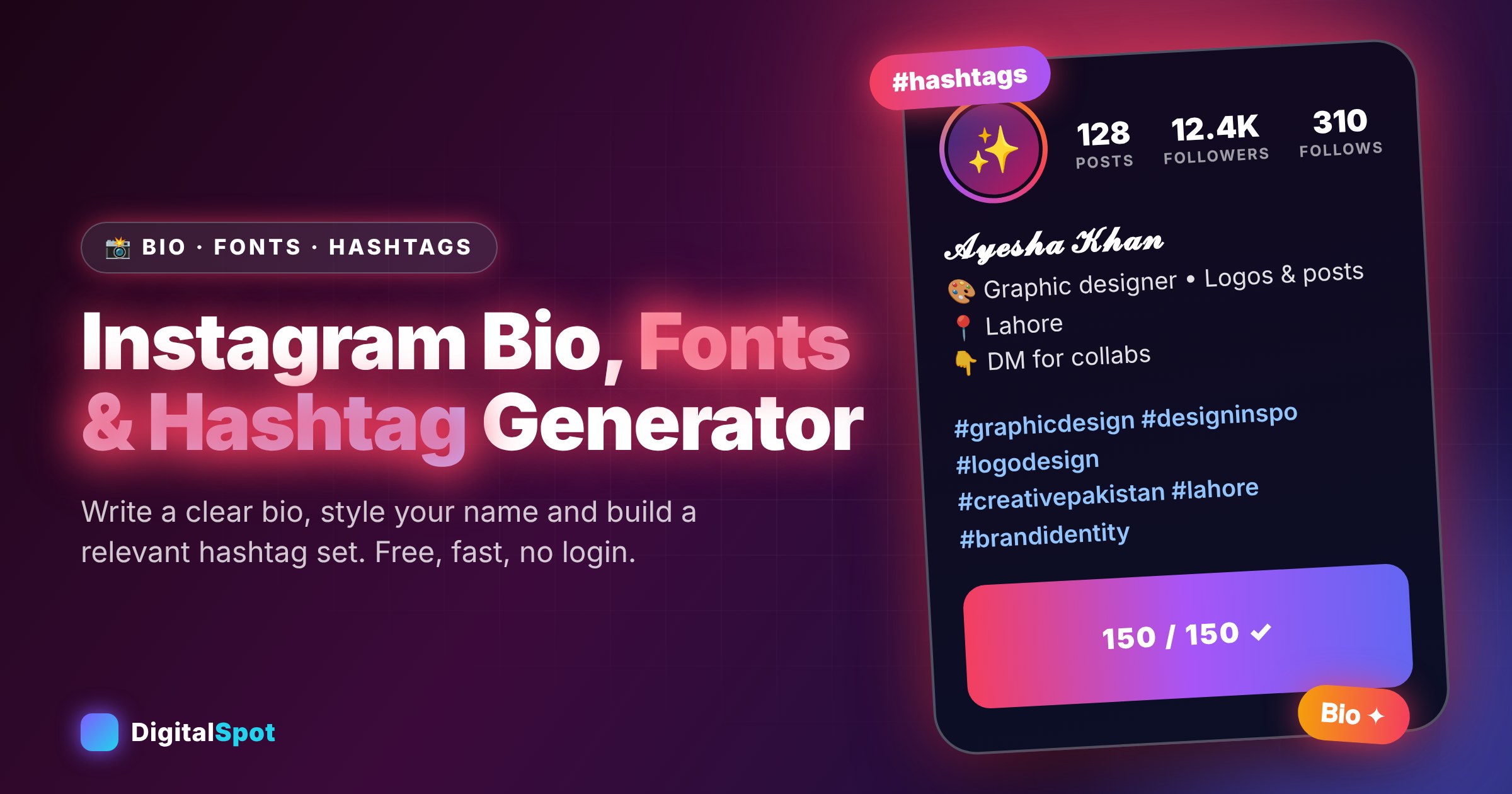
👇 Follow for daily tips" - Freelancer. Before: "Freelancer | Designer | Writer | Editor | Developer". After: "🎨 Graphic designer • Logos & social posts
📍 Lahore
👇 DM for collabs". Choosing one clear service beats listing five.
The Bio tab does this work for you. Pick your niche, tone (professional, fun, aesthetic, desi Roman Urdu or minimal), add your name, city and call to action, and it gives you eight bios that stay within the 150-character limit. Tap one to copy it, or press Shuffle for a new set. Treat the results as drafts and add one personal detail so that it sounds like you.
Part 2: Fonts, used carefully
A styled name stands out in search results and on your profile: 𝓐𝔂𝓮𝓼𝓱𝓪 𝓚𝓱𝓪𝓷 or 𝐀𝐲𝐞𝐬𝐡𝐚 𝐊𝐡𝐚𝐧 is more eye-catching than plain letters. The Fonts tab converts your text into bold, cursive, gothic, small caps, bubble and other styles, and includes an invisible spacer that keeps blank lines in your bio.
A few rules keep it professional:
- Style your display name, not your whole bio. Big blocks of decorative text are tiring to read.
- Keep key words in plain text. Search works best with normal letters, and screen readers can struggle with styled characters.
- Pick one style and stick to it so the account feels consistent.
- Your username stays plain. Instagram usernames allow only letters, numbers, periods and underscores. The styled version goes in your name field.
Want more styles? The Stylish Text Generator offers 40+ of them, and Cool Symbols has dividers and decorations.
Part 3: Hashtags that actually match your post
Hashtags help Instagram understand what your post is about and help interested people find it. The aim is relevance, not volume. A post about homemade biryani is helped by #homemadebiryani and #desifood, and gains nothing from unrelated viral tags.
The Hashtags tab builds a balanced set from four tiers:
- Broad: big topics such as #fitness. Lots of posts, so yours disappears quickly.
- Medium: narrower communities such as #fitnesscommunity.
- Niche: specific topics such as #fitnesstips or #bestfitness, where you can actually be seen.
- Local: Pakistan and city tags such as #fitnesspakistan or #lahore, which attract nearby followers and customers.
Choose how many tags you want (from 5 to 30), add your own keyword if you have one, and copy the whole set. Press Shuffle to rotate tags between posts rather than pasting the same block every time. Instagram's guidance on hashtags can change, so check the app's current recommendations, and remember that a handful of well-chosen tags often works better than a long list.
A weekly routine that supports growth
- Post consistently. Three good posts a week beat one burst of ten followed by silence.
- Use a clear cover and first line. People decide to read in a second.
- Reply to comments and messages within a day. It builds trust and signals that the account is active.
- Collaborate with accounts of a similar size in your niche.
- Look at your Insights every week and make more of the posts people save and share.
- Refresh your bio when your offer changes.
What not to do
- Do not buy followers, join "follow for follow" groups or use bots. They damage your reach and can lead to restrictions.
- Do not use hashtags that have nothing to do with your post.
- Do not copy another account's bio word for word.
- Do not promise results you cannot deliver. It hurts trust, and trust is what turns followers into customers.
Frequently asked questions
How many characters can an Instagram bio have?
150 characters, including spaces and emojis. The tool shows a live count for each bio so you stay inside the limit.
Will the generator make my account grow?
It gives you a clearer profile and relevant hashtags, which helps visitors understand and follow you. Growth still depends on your content and consistency.
How many hashtags should I use?
Use the ones that truly describe your post. Many creators use a small, relevant set rather than a long list. Check Instagram's latest guidance in the app.
Are styled fonts safe on Instagram?
Yes, they are standard Unicode characters. Use them for your name and short accents and keep your main message in plain text.
Does it work for Roman Urdu or Pakistan-specific bios?
Yes. There is a Desi (Roman Urdu) tone, city options for major Pakistani cities and local hashtags.
Is the tool free?
Yes. It is free to use, needs no login and runs in your browser.
Fix your profile in ten minutes. Open the Instagram Bio, Fonts & Hashtag Generator →
Comments
Loading…