
A Free Kahoot-Style Quiz Game for Pakistani Classrooms: Students Join on Their Phones with a PIN
There is a moment every teacher loves: the room goes quiet, every student leans forward, and then the whole class cheers when the answer appears. Game-style quizzes create that moment. Most of the popular apps, though, are built for foreign classrooms, have player limits or paywalls, and don't handle Urdu questions well.
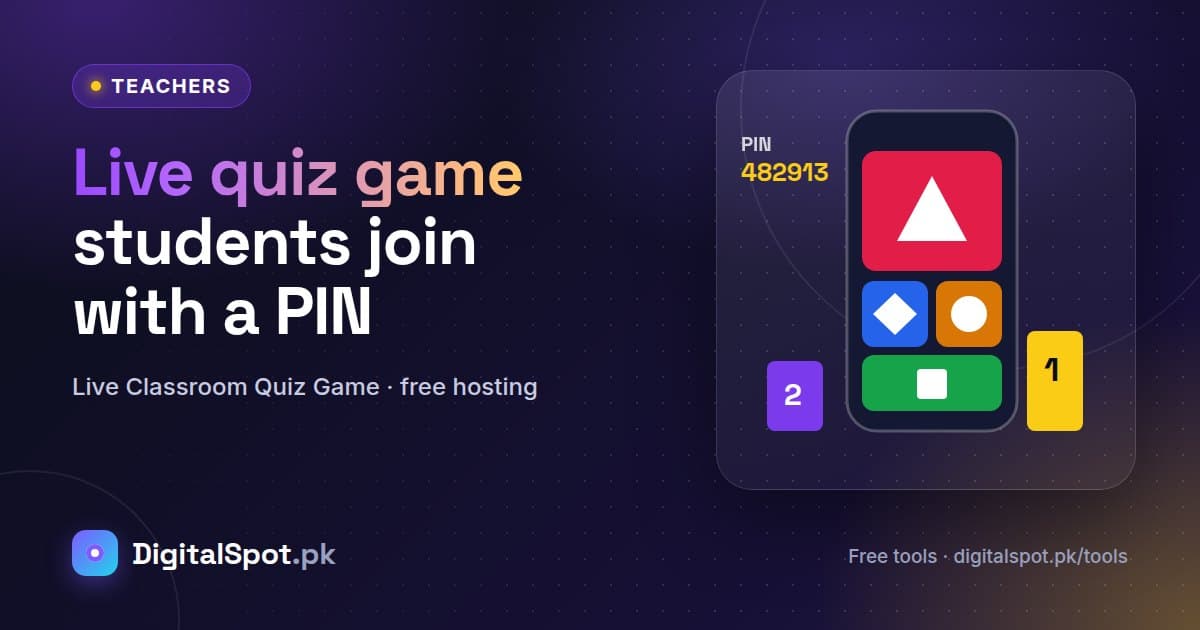
The Live Classroom Quiz Game on DigitalSpot is a free, Kahoot-style game made for our classrooms. You host it on a laptop or projector, students join on their phones with a PIN, and everyone races to answer. AI can even write the questions for you in English or Urdu. Here's how to run your first game.
How the game works
- You press Start game and a big 6-digit PIN and a QR code appear on the screen.
- Students open the page on their phones (or scan the QR code), enter the PIN and a nickname, and their names appear on your screen.
- Each question shows on the big screen; students tap the matching coloured shape on their phone.
- Faster correct answers earn more points, there are double-points questions, and correct-answer streaks add bonus points.
- After each question you see the answer chart and the top-5 leaderboard, and at the end there's a winners' podium.
- Download the full results as a CSV file, or print them.
Step-by-step: your first live quiz
1. Add questions (three ways)
Type questions by hand; or paste lines in the format Question | A | B | C | D | correct letter (2–4 options, and Urdu works too); or let AI write a quiz for any topic and class in English or Urdu. You can edit every question afterwards, set the time limit (10, 20, 30 or 60 seconds) and mark some as double points.
2. Start the game
Connect your laptop to the projector or a big screen and press Start game. Read the PIN out loud as well, since the back row may not see it clearly.
3. Let students join
Students join on their phones with the PIN and a nickname. Once everyone is in, press Start.
4. Play, discuss, continue
After each question, take ten seconds to explain the right answer using the answer chart. That's where the learning happens.
5. Celebrate and save the results
Show the podium, clap for the winners, and download the CSV to see which questions the class found hardest.
More ways to use it
- Warm-up at the start of a lesson: five quick questions on yesterday's topic wake the class up and show you what they remember.
- Exit ticket: three questions in the last five minutes tell you whether today's lesson landed.
- Inter-section competitions: run the same quiz for Class 8-A and 8-B and compare the top scores. Friendly rivalry motivates students.
- Islamiyat, general knowledge and Pakistan Studies days: AI can write a quiz on Seerat, national heroes or geography in minutes, in Urdu or English.
- Parent days and school events: project a fun quiz in the hall and let parents join on their phones too.
- Teacher training sessions: heads can use it with staff to make workshops interactive.
Limits: what's free
Hosting the game is always free. Guests can host up to 20 players, free accounts 40, and Premium 100. AI question writing allows 1 quiz a day for guests, 5 for free accounts and 300 for Premium. Typed or pasted questions don't use AI at all.
Classroom tips that work
- Not every student has a phone? Play in teams of two or three. Team names make it even more fun.
- Use it for revision, not just testing. A 10-question quiz at the end of a chapter shows instantly what needs re-teaching.
- Mix in double points for the last questions so the leaderboard stays exciting until the end.
- Set nickname rules. Ask students to use their real first name or roll number so the CSV results are useful.
- Keep it short. 10–15 questions keep energy high; you can always play a second round.
Mistakes to avoid
- Skipping the explanation. If you jump from question to question, it's just a game; a short explanation turns it into a lesson.
- Too-short time limits for long questions. Give 30–60 seconds for questions students need to read carefully, especially in Urdu.
- Not testing your internet first. Students need mobile data or Wi-Fi to join. Check the connection before class starts.
- Using AI questions unchecked. Review AI-written questions quickly before the game so every answer is correct for your syllabus.
کھیل کھیل میں سیکھنا — بچوں کی توجہ اور شوق دونوں بڑھتے ہیں۔
Frequently asked questions
Is the live quiz game really free?
Yes. Hosting is always free, with up to 20 players for guests, 40 for free accounts and 100 for Premium. AI-written quizzes have a daily limit (1 / 5 / 300).
Do students need to install an app?
No. Students open the page in their phone's browser (or scan the QR code), enter the PIN and a nickname.
Can I make questions in Urdu?
Yes. You can type or paste Urdu questions, or ask the AI to write the quiz in Urdu.
How are points calculated?
Correct answers earn more points the faster they come, double-points questions are worth twice as much, and a streak of correct answers adds a bonus. Wrong answers earn zero.
Can I keep the results?
Yes. Download the full results as a CSV file or print them at the end of the game.
Turn your next revision class into a game. Open the Live Classroom Quiz Game →
Need printed practice too? Create activity sheets with the AI Worksheet Generator, set a proper test with the AI Question Paper Generator, and give students revision notes from the AI Notes Maker.